Slack community pricing in 2026: what a community on Slack really costs
You can run a community on Slack for free, and for a small, closed group that's often the right call. The catch is history: on the free plan, messages and files older than 90 days are hidden, and data older than a year is deleted. Paid plans keep everything, but they're priced per active member: Pro is $7.25/member/month billed annually ($8.75 monthly) and Business+ is $15 ($18 monthly). With Slack's Fair Billing Policy you only pay for members who are actually active, so a 2,000-member community where a quarter of people show up costs about $3,625 a month on Pro.
This guide covers Slack's 2026 plans for communities, what the free plan really limits, worked cost examples, where Slack works well, where it breaks, and what the alternatives cost. Every price here was checked on the vendor's own site on October 19, 2026, starting with Slack’s pricing page.

Slack's plans in 2026
Slack is running a promotion as of October 2026: 50% off for three months on monthly Pro or Business+ plans bought online within 7 days of creating a workspace. It doesn't apply to annual billing, and Slack can end it at any time.
What the free plan means for a community
Slack's free plan covers what matters on day one: channels, threads, and direct messages. The limit that bites communities is memory. Members can see and search only the last 90 days of messages and files, and Slack permanently deletes content older than a year. The free plan also caps you at 10 apps, limits huddles to one-on-one calls, and limits Slack Connect to one-on-one DMs. Invite links work for up to 400 people and expire after 30 days, so a growing community needs fresh links.

For a team chat, a 90-day window is an annoyance. For a community it's the whole problem, because a community's value is its back catalog: the answer someone gave last spring, the AMA with an expert, the thread that solved a setup issue for the next fifty people. On the free plan all of that disappears from view after three months, and after a year it's gone.
What a paid Slack community costs
Slack bills per active member, and its Fair Billing Policy means you don't pay for people who drift away. Anyone who hasn't used Slack for more than 28 days counts as inactive, and Slack credits you for them on a prorated basis, applied to future bills. The policy covers plans bought on Slack's website (Slack’s Fair Billing Policy).
That makes the bill depend on how many members are active, not how many joined. A few illustrative scenarios on Pro, billed annually at $7.25 per active member per month:
- 500 members, 40% active: about 200 billed seats, $1,450 a month, $17,400 a year.
- 2,000 members, 25% active: about 500 billed seats, $3,625 a month, $43,500 a year.
- 10,000 members, 10% active: about 1,000 billed seats, $7,250 a month, $87,000 a year.
Two things change the math. Guests, available on paid plans only, can lower the bill: each paid active member lets you add up to five single-channel guests for free, while multi-channel guests are billed like regular members. And if you run a nonprofit community, Slack for Nonprofits makes Pro free for workspaces with up to 250 members and 85% off above that, plus 85% off Business+, for eligible charities (Slack for Nonprofits).
When Slack works for a community
Slack is a good fit for small, closed, professional groups whose members already live in Slack all day: a peer group of 200 revenue leaders, a customer advisory board, a cohort from a course. Joining is one more workspace in an app people already have open, and real-time conversation is what Slack does best. If the group is under a few hundred people and you don't need anything to be findable later, the free plan may be all you need. (If you're weighing chat tools more broadly, see Slack vs. Discord.)
Where Slack breaks for a community
The trouble starts when the community is meant to grow, be found, or be measured.
Nothing is searchable from the outside. Slack workspaces are invite-only, so no conversation ever shows up in Google. Every answered question helps the people who were there and no one else.
History costs money or disappears. On free, the archive vanishes after 90 days. On paid plans, every active member is a seat.
It isn't yours. Your community lives inside Slack's app, next to members' work workspaces and every other community they've joined, with Slack's branding and Slack's rules. You can't add your own design, member profiles, or onboarding flow.
Community tools are thin. Member profiles are basic, and there's no reputation or gamification, no Q&A with accepted answers, no knowledge base, only basic moderation tools, and no way to tie activity to your CRM without building it yourself.
Alternatives and what they cost
If Slack's limits rule it out, here's what the main alternatives cost as of October 19, 2026, from each vendor's own pricing page.
The pricing model matters as much as the sticker price. A per-member tool gets more expensive as the community succeeds; a flat plan gets cheaper per member. For the wider field, see our roundups of Discord alternatives and Discourse alternatives.
Moving a Slack community to Bettermode
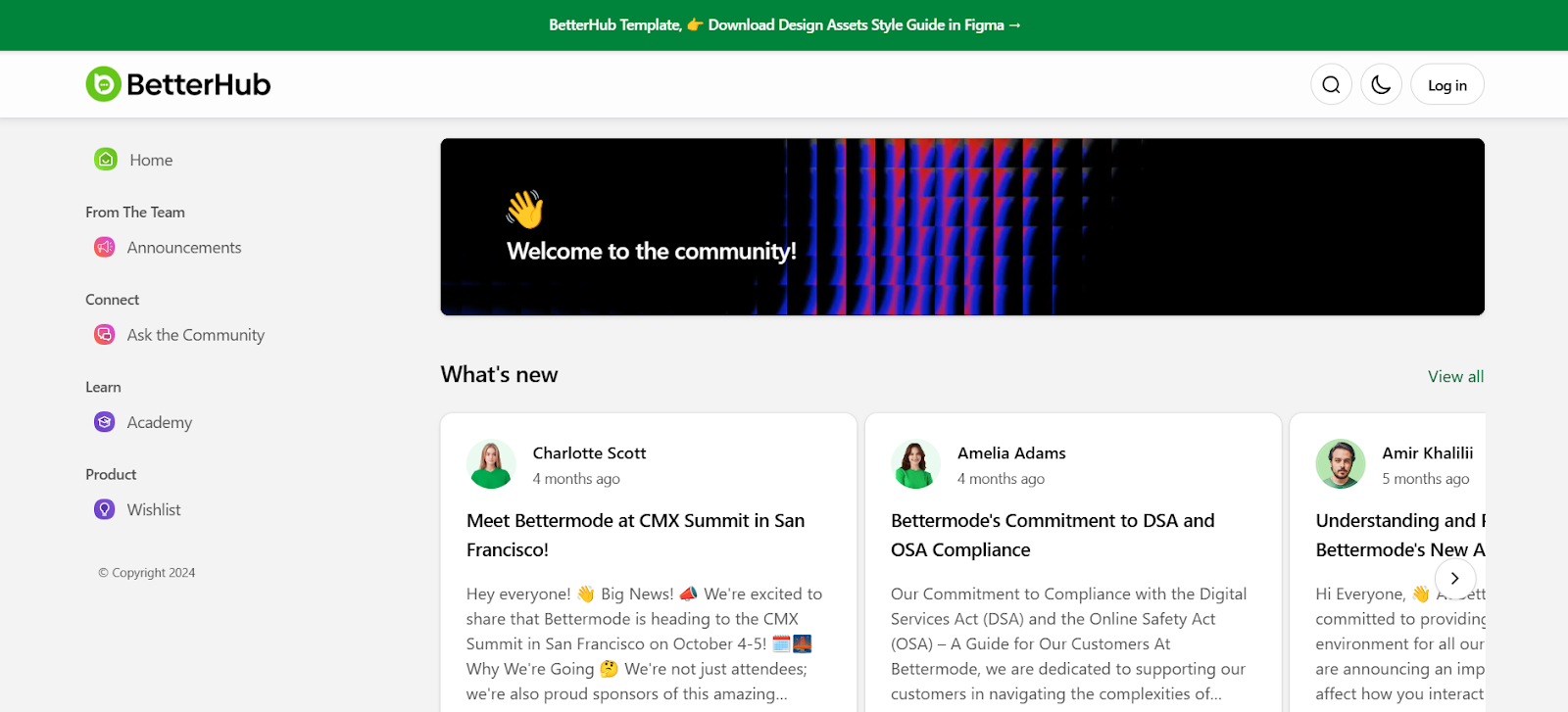
Full disclosure, Bettermode is our product, so weigh this accordingly. Teams usually move to a community platform when the community has outgrown chat: they want answers that rank in Google, a branded space on their own domain, Q&A with accepted answers, and member activity in HubSpot or Salesforce. Starter is $149/month billed annually ($199 month to month) for up to 10,000 members, Growth is $1,500/month billed annually, and there's a 14-day free trial with no credit card. Many teams keep a Slack channel for real-time chat and make the branded community the searchable home.
FAQ
Is Slack free for communities?
Yes. Slack's free plan works for a community, but messages and files older than 90 days are hidden and data older than a year is deleted, so the community's history doesn't last. Keeping full history means a paid plan priced per active member.
How much does Slack cost per month?
Pro is $7.25 per active member per month billed annually, or $8.75 billed monthly. Business+ is $15 per member per month billed annually, or $18 monthly. Enterprise+ is priced through sales.
Does Slack charge for inactive members?
Not if you buy Pro or Business+ through Slack's website. Under the Fair Billing Policy, members who haven't used Slack for more than 28 days count as inactive, and you get prorated credits for them toward future bills.
Is Slack free for nonprofits?
Partly. Eligible nonprofits get Pro free for workspaces with up to 250 members and 85% off above that, plus 85% off Business+. Slack excludes some organization types, including religious, political, and government organizations, so check eligibility first.
What happens to messages older than 90 days on Slack's free plan?
They're hidden from view and search. Slack keeps them for up to a year, so upgrading within that window brings them back, but data older than a year is deleted on the free plan.
What is the cheapest way to run a large online community?
For a large, open community, a flat-priced platform usually beats per-member pricing. Discord is free but not searchable, Discourse is free to self-host, and Bettermode's Starter plan is $149/month billed annually for up to 10,000 members with content Google can index.
TL;DR
- Slack is free for communities, but the free plan hides history after 90 days and deletes data after a year.
- Paid plans are per active member: Pro $7.25/month (annual) or $8.75 (monthly), Business+ $15 or $18.
- Fair Billing means you pay for active members only. A 2,000-member community with a quarter active is about $3,625/month on Pro.
- Slack works for small, closed, professional groups. It breaks when you need search visibility, branding, ownership, or CRM data.
- Flat-priced alternatives get cheaper per member as you grow: Discourse from free (self-hosted), Circle from $89/month, Bettermode from $149/month for up to 10,000 members.