Connecting Teams and Customers: Messaging Apps vs Community Software Showdown
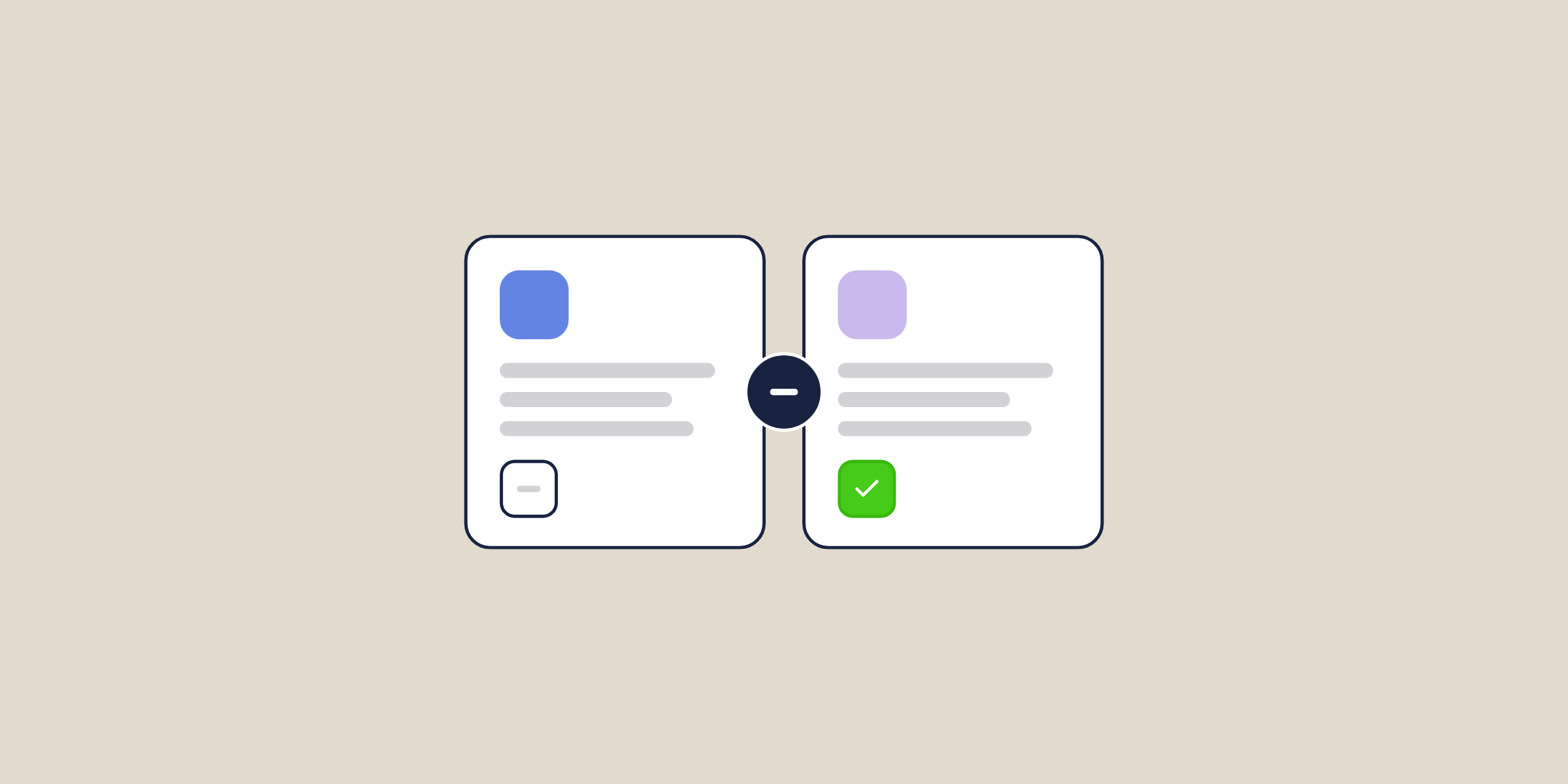
"Messaging app or community platform?" — this is a raging debate that community builders are grappling with. Just have a look at the following thread on IndieHackers:
Similar to this, countless articles and forum threads discuss different facets of building an online community using a messaging app or community software. Nevertheless, as the community market grows, both forms of communication and collaboration tools can be used for collecting and engaging people. However, can you build a B2B SaaS customer community using a messaging app like Slack?
In this post, we're going to explore and help you select the right solution for your customer community.
Comparing messaging app and community platform
Community builders starting from scratch often look into communication tools such as Slack or Discord to build communities. Once the community grows past a few hundred members, these communication tools won't be able to support the member experience needed to drive retention, self-service support, and customer advocacy.
In this post, I will cover some of the core factors and selection criteria you need to consider when comparing messaging apps and community software.
Synchronous vs asynchronous
This difference is ingrained in the very basic philosophy of both apps. Messaging apps offer synchronous or real-time communication, which means all the members need to exchange messages in real-time.
This also means conversations in a messaging app swiftly change based on the thoughts or needs of the members. Community platforms powered by community software are primarily asynchronous—all the members need not remain logged in at the same time and they can take some time to collect their thoughts for discussion.
However, the real-time messaging feature is increasingly offered by community solutions as well to cater to certain discussions that involve time-sensitive information.
Members of a community should be able to log in after a week a discussion has started and still have access to all the information in a structured manner. For B2B SaaS customer communities, this is critical—your customers are busy professionals who engage on their own schedule, not yours.
Organizing knowledge
Every community software offers a robust tool to organize content generated in the community. You can create dedicated spaces inside a community—Q&A spaces, discussion forums, ideation boards, knowledge bases—and each of those spaces would have specific posts where all the discussion happens. Neat, right?
However, in modern chat apps, all you can do is create channels and there would be endless messages with crisscross communication. When a member wants to look into a specific topic, it would be difficult to find all the relevant information.
For B2B SaaS companies, this knowledge organization is the difference between a community that deflects support tickets and one that creates more confusion. When customers ask product questions, troubleshoot issues, or share best practices, that content needs to be discoverable and reusable—not buried in a chat scroll. With a community platform, every answered question becomes a permanent, searchable self-service resource.
Passivity and longevity
Community software ensures the longevity of the content. Since the threads or posts created in a community get crawled by search engines and the content is easier to discover from search, members would be updating and sharing their knowledge for years. When a thread is completely outdated, community admins can close the discussion, but the content will remain accessible.
For example, there are some decade-old threads on forums such as Stack Overflow and Tom's Guide that are useful today as well. This is the power of community-driven SEO—your community content compounds in value over time, driving organic traffic and reducing your customer acquisition costs.
In the case of a messaging app, all the back and forth communication is lost with time. Messaging apps only reward instant and live communication. So, when you are building a community, ensure that the knowledge generated by your members remains useful to the members for a long time.
Moderation
Due to the fleeting nature of messaging apps, it becomes harder to moderate chat rooms. Messaging apps sometimes offer filters to block certain terms but the moderators can't examine each message without impacting the flow of conversation.
In the case of community software, a community builder can highlight elaborate community guidelines and have all the moderation tools to edit, merge, and archive content.
The members are also empowered to report spammers and toxic content. In fact, with Bettermode, community admins can configure rules around reputation scores and gamification to control content contribution. For example, you can set rules so that members with at least a 50 reputation score can post content. This automated moderation reduces the operational burden on your team while maintaining community quality—something that's impossible to replicate in Slack or Discord.
Brand visibility from SEO
If you are building a community that is public-facing and you believe at least certain segments of content would be useful for others, you must avoid messaging apps. Messaging apps keep your content locked and search engines don't have any access.

When your content has a public appeal, create a community using community software. If certain segments of the community should be private, choose a solution that supports a hybrid structure.
With Bettermode, you can build a completely public community, a private community, or a mix of both. Many B2B SaaS companies use this hybrid approach—keeping Q&A content, knowledge base articles, and product discussions public for SEO, while restricting premium support spaces, beta tester groups, and customer advisory boards to verified customers.
When your content gets indexed by search engines, your community visibility increases. This in turn helps you scale member acquisition via an organic channel without increasing your marketing spend.
Scalability in terms of pricing
Often pricing of a messaging app is based on per member, which can become prohibitive when it comes to scaling the community size. For example, in the case of Slack, the paid plan starts from $6.67 per member per month. So, a community with 500 members would be paying more than $3,000 per month if they want to access all of the messages (not just the last 10k messages).
However, community software is generally priced based on one or a combination of the following:
- Number of pageviews
- Storage
- Registered or active members (measured in units of thousands)
This ensures that the cost of running a community does not increase exorbitantly. For mid-market B2B SaaS companies, this pricing model is critical. With Bettermode, plans start at $149/mo for the Starter tier and scale to $1,500/mo for Growth (which includes onboarding and migration support). Compare that to running a Slack community with 1,000+ customers at $6.67/member—the economics aren't even close. Talk to sales for custom pricing on the Premium tier with dedicated CSM and SLA.
Integration with your existing stack
Here's another factor that messaging apps can't match: native integrations with the tools your team already uses. Bettermode connects to CRM platforms like HubSpot and Salesforce, support tools like Zendesk and Intercom, and workflow automation via Slack and Zapier. This means your community data flows directly into your customer health scores, support dashboards, and marketing workflows—giving you the ability to measure community ROI and tie it to retention, expansion, and support deflection.
Slack has integrations too, but they're designed for internal team workflows, not customer community management.
Where messaging apps shine
Essentially messaging apps are an alternative to emails. They can work really well in a company setting for internal communications and collaborations. Slack definitely does an amazing job of centralizing all the business messages in one place.
For example, it's useful when the team members know each other and are aware of who to message when they want to get feedback or share something.
Given below are some of the benefits of messaging apps:
- Reduced number of email exchanges
- Transparency in communication and faster collaboration via group discussion
- Ability to get a quick response to critical and time-sensitive questions
- Keep all the incoming messages in one place
- Ability to store internal files and share easily with members
The bottom line: messaging apps are excellent for internal team communication. If your goal is to build an internal community for employees, Slack or Teams may be the right fit. But if you're building a customer-facing community, you need purpose-built community software.
Messaging app vs. community platform — summary
Messaging apps are effective for short, time-sensitive communication. "When is the all-hands meeting?" "Where do I access x?" or "Have you seen this YouTube video on product management?" need a short and faster response.
They can also act as a medium for water cooler talk so members can socialize via non-work related conversations.
In contrast, community software is specially designed for robust communication and collaboration to store valuable knowledge over a longer time frame.
Members can have detailed discussions on various subjects and categorize them efficiently so they can come back to the content for easy access.
Members can also connect with each other by following one another, which is important for networking and building customer advocacy.
The core design idea of community software allows members to not only contribute content and make it accessible over a long time, but it also helps build powerful member networks. For B2B SaaS companies, the choice is clear: a dedicated community platform is the right foundation when the goal is to build a scalable customer community that drives retention, enables self-service support, and creates long-term value from customer knowledge.
Ready to move beyond Slack for your customer community? Talk to sales for a demo.